
Releases
Explore a complete timeline of every icōd.ai update — from the earliest releases to the latest enhancements — and stay informed about how the platform continues to grow and evolve.
Your Data, Your Keys, Your Rules
Sensitive data masking and blocking, flexible guardrail policies, audit logs, immediate policy enforcement, BYOK support.
Overview
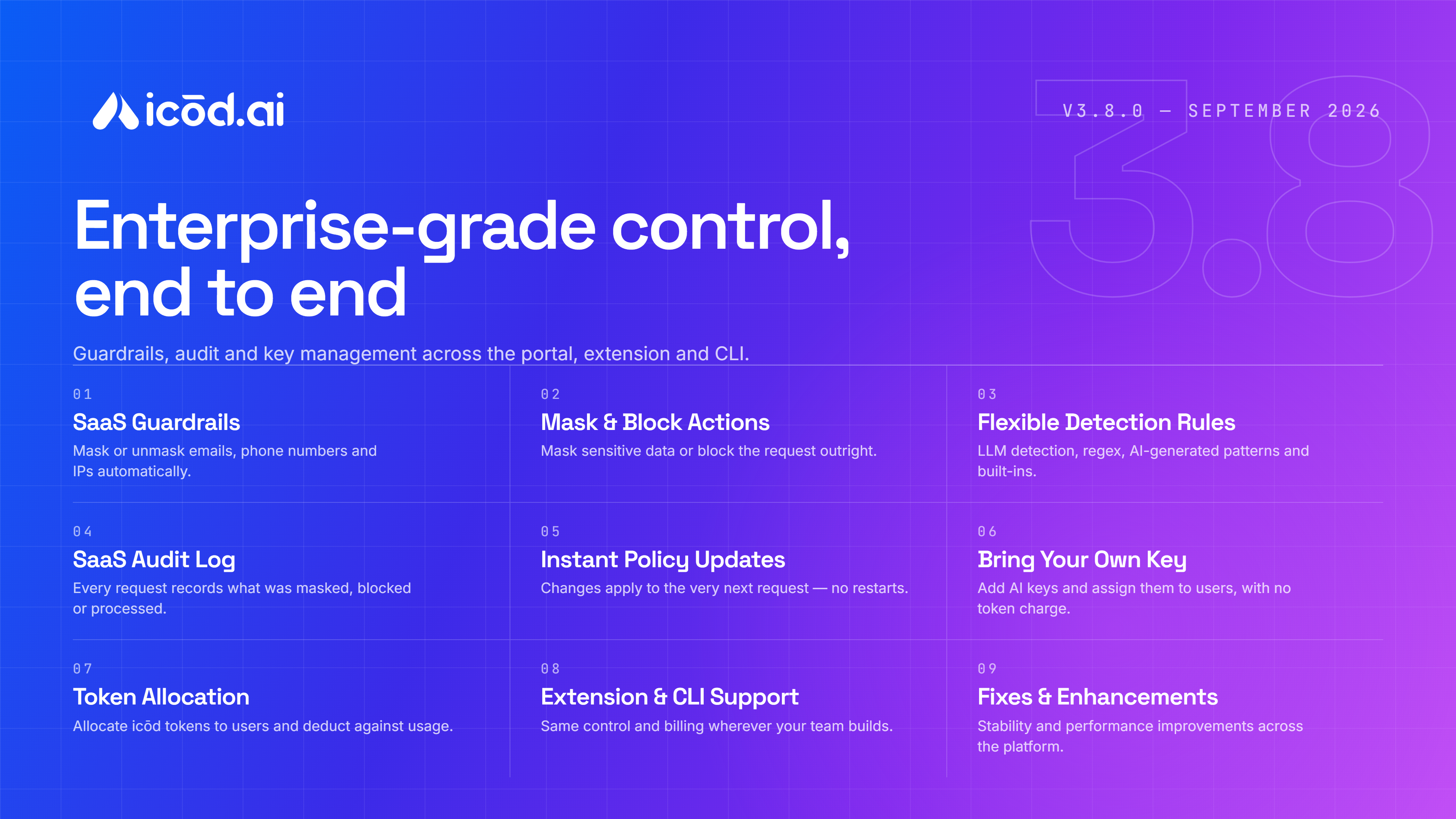
Release 3.8.0 gives teams greater control over sensitive data and model generation. Guardrails can now mask and restore sensitive information, or block requests entirely, with support for multiple detection methods including LLM detection, exact and pattern matching, AI-generated regex, and built-in rules. Audit logs provide visibility into how each request was handled, while policy updates take effect immediately. Admins can also bring their own provider keys or allocate icōd tokens directly to users, with the same controls available across the Enterprise Extension and CLI. The release also includes general fixes and refinements across the platform.
Key Points
- Sensitive Data Masking & Blocking — mask sensitive data before it reaches the model or block it entirely
- Flexible Detection — support for LLM, exact, pattern, AI-generated regex, and built-in detection rules
- Guardrail Audit Logs — track masked, blocked, and passed-through requests
- Immediate Policy Updates — apply guardrail changes to the next request without restarts
- Bring Your Own Key — use your own model provider keys without consuming icōd balance
- icōd Token Allocation — admins can allocate icōd tokens directly to users
- Enterprise Extension & CLI — consistent controls and billing across both platforms
- Security & Bug Fixes — general fixes and refinements for a smoother experience
Technical Details
Guardrails now support sensitive data masking, unmasking, and blocking with multiple detection methods. Audit logging records how requests are handled, and policy changes take effect immediately. Administrators can use their own provider keys or allocate icōd tokens to users, with these controls available across the Enterprise Extension and CLI. This release also includes general fixes, security improvements, and platform refinements.
Spend Visibility, Smarter Templates & Smoother Workflows
Workspace spend tracking, project-level token insights, background deployments, and TypeScript by default — plus streaming and attachment improvements across the platform.
Overview
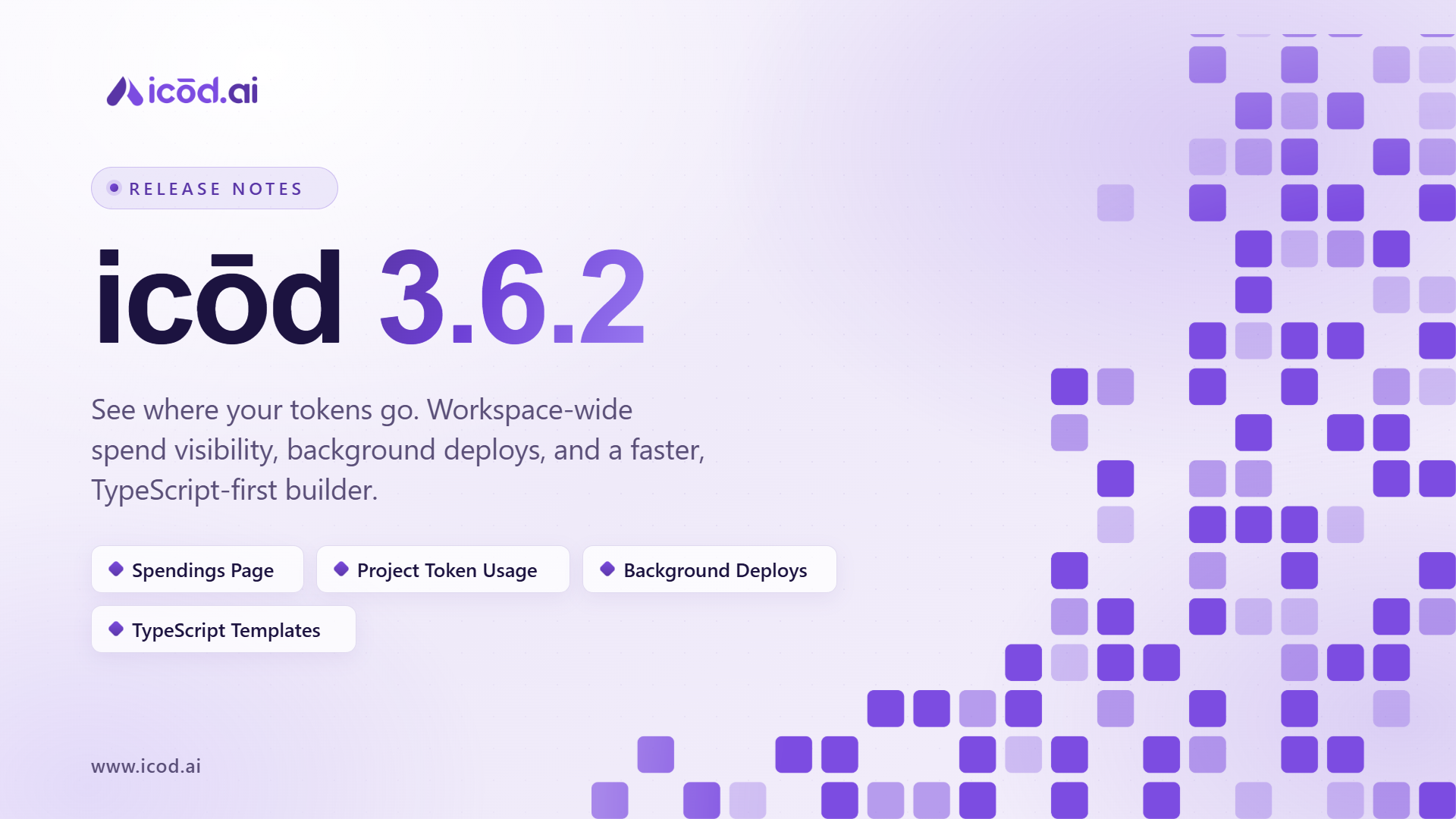
Release 3.6.2 gives workspace admins visibility into team spending with a new Spendings page, and lets users see project-level token consumption directly from the Project Details modal and page. Deployment-related operations can now run in the background without interrupting your workflow, and images uploaded within the icōd Builder can be downloaded for easier reuse. Newly created streams are available for edits immediately, integration form submissions start streaming responses right away, and all newly generated applications now default to the TypeScript template. Attachment storage has been reorganized for better management, alongside multiple security enhancements and general bug fixes.
Key Points
- Spendings Page — workspace admins can monitor the token consumption of collaborators within their workspaces
- Project Token Consumption — view tokens consumed by an individual project from the Project Details modal and page
- Background Deployment Option — run deployment-related operations in the background while continuing to use the application
- Download Uploaded Images — download images uploaded within the icōd Builder for easier access and reuse
- TypeScript Project Templates — all newly generated applications now use the TypeScript template by default
- Immediate Stream Availability — newly created streams are available for edits instantly, with no waiting or refresh required
- Integration Response Streaming — integration form submissions immediately start displaying the response stream for faster feedback
- Attachment Storage Improvements — separate storage paths for in-chat attachments and in-app/generated attachments for better organization
- Security & Bug Fixes — multiple security enhancements plus general bug fixes and performance optimizations across the platform
Technical Details
Workspace admins can monitor collaborator token consumption from the new Spendings page, alongside project-level token consumption details surfaced in the Project Details modal and page. Deployment-related operations can be run in the background without blocking active use of the application. Images uploaded within the icōd Builder can now be downloaded directly from the interface. Newly created streams are available for edits immediately with no additional waiting or refreshes, and integration form submissions begin streaming responses as soon as they're submitted. The default generated application template has moved from JavaScript to TypeScript, so all newly generated applications now use the TypeScript template. Attachment storage now separates in-chat attachments from in-app/generated attachments into distinct storage paths. This release also includes multiple security enhancements and general bug fixes and stability improvements.
Built for Teams, Ready to Scale
Multiple workspaces, team collaboration, prompt queueing, branching, and prompt history — everything teams need to build together at scale.
Overview
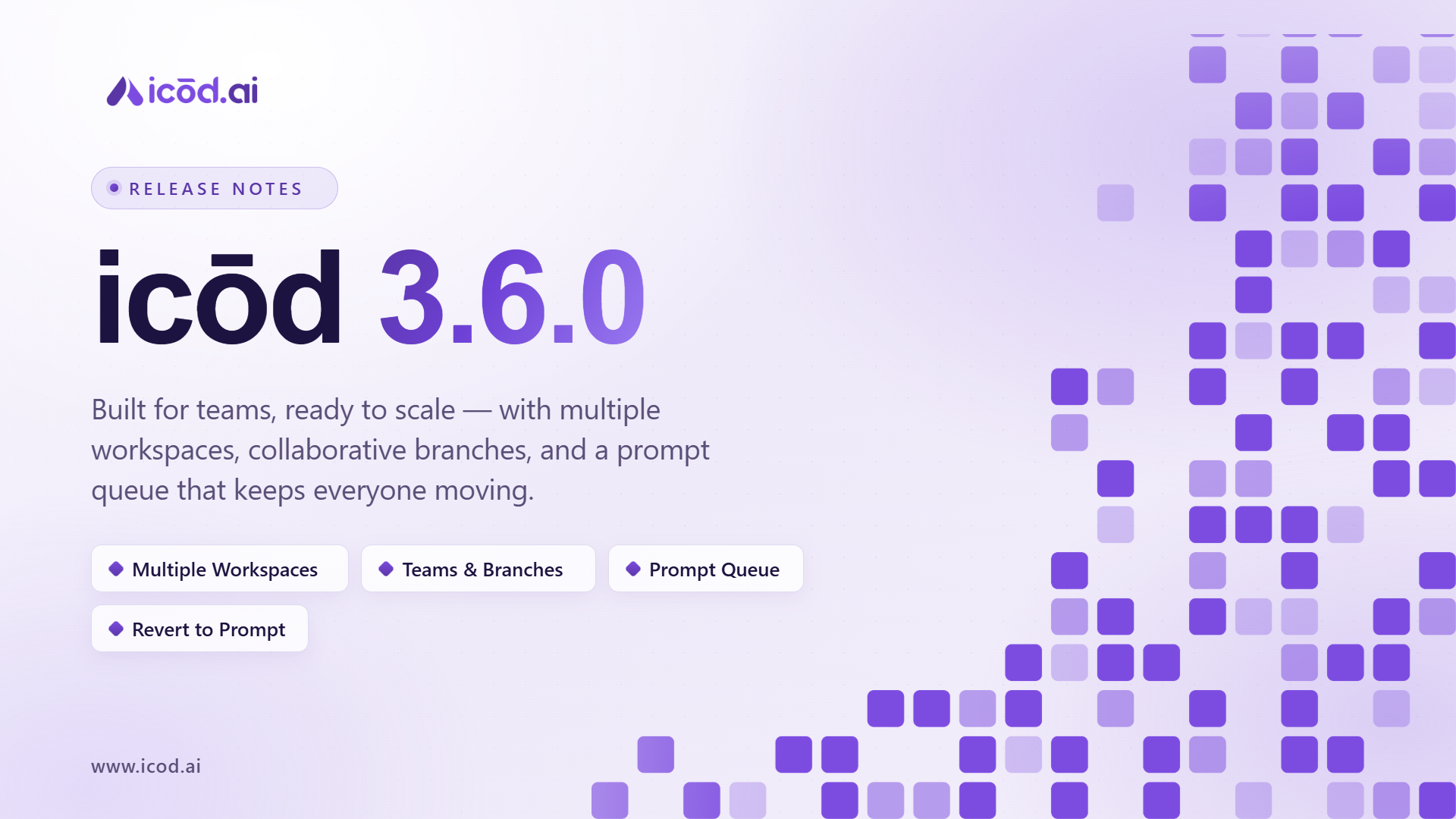
Release 3.6.0 is all about teams. Users can now create up to 4 separate workspaces to organize different projects, teams, and ideas in one place. The new Teams Plan lets up to 5 members collaborate on the same project, with a Prompt Queue so teammates can line up to 5 prompts without waiting for the current one to finish. Team Branches let members explore different ideas in separate branches of the same project without affecting each other's work, and users can now revert a project to a previous prompt for more flexibility and control. A round of bug fixes rounds out the release for a smoother, more reliable experience.
Key Points
- Multiple Workspaces — create up to 4 separate workspaces, each with its own projects
- Teams Plan — up to 5 team members can collaborate on the same project
- Prompt Queue — queue up to 5 prompts at a time without waiting for the current one to finish
- Team Branches — work in separate branches of the same project without affecting each other's work
- Revert to Previous Prompts — roll a project back to an earlier prompt and continue from there
- Bug Fixes & Enhancements — multiple issues fixed for improved stability and performance
Technical Details
Workspaces support up to 4 per user, each scoping its own set of projects. Team collaboration supports up to 5 members per project with shared access and progress. Prompt queueing supports up to 5 queued prompts per project, processed sequentially. Team Branches allow parallel, isolated lines of work within the same project. Prompt history supports reverting a project's state to any previous prompt in its timeline.
V2 Agent Is More Enabled Than Ever
Six major features in one release — payments, email, AI integrations, document support, precise editing, and media attachments, all shipping together.
Overview
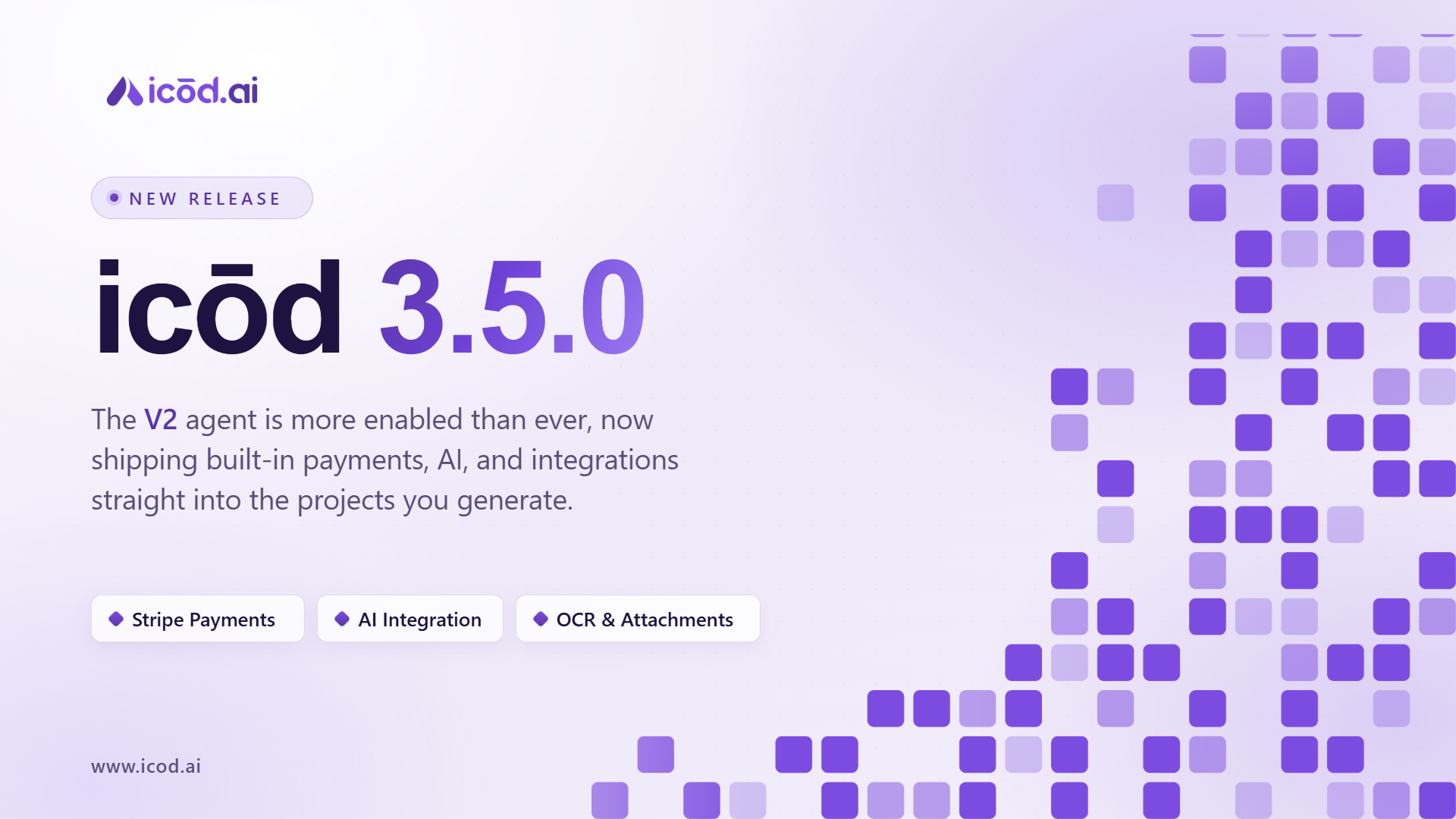
Release 3.5.0 brings six new features across payments, email, AI integrations, and more. Generated projects now support Stripe payments and subscriptions out of the box. Email can be configured directly from the chat editor with no extra steps. AI features can be added to any project using your own API keys. OCR support lets you upload PDFs, images, wireframes, and mockups as direct project inputs. The new Element Selector lets you click any HTML element for targeted, context-aware agent edits. And full attachment support means images and videos can now be attached to projects for content, design, and media management.
Key Points
- Stripe Payments — one-time payments and subscriptions built into generated projects from day one
- Email Integration — configure email directly in the chat editor, no extra steps required
- AI Integration — add assistants or chatbots to your generated projects using your own API keys
- OCR Document & Image Support — upload PDFs, images, wireframes, or mockups as project inputs; supported: JPG, PNG, WebP
- Element Selector — click any HTML element and the AI agent picks up its context for precise, targeted edits
- Attachments Support — attach images and videos to your projects for content, design updates, and media management
Technical Details
Stripe integration supports both one-time and recurring subscription payments within generated project environments. Email configuration is handled entirely through the chat editor interface with no external setup required. AI integrations support custom API key injection with assistant and chatbot capabilities built directly into generated projects. OCR processing accepts PDF, JPG, PNG, and WebP inputs as structured context for project generation. The Element Selector captures HTML element context automatically on click, enabling targeted agent edits with no manual specification. Attachment support covers image and video formats for use across content, design, and media workflows.
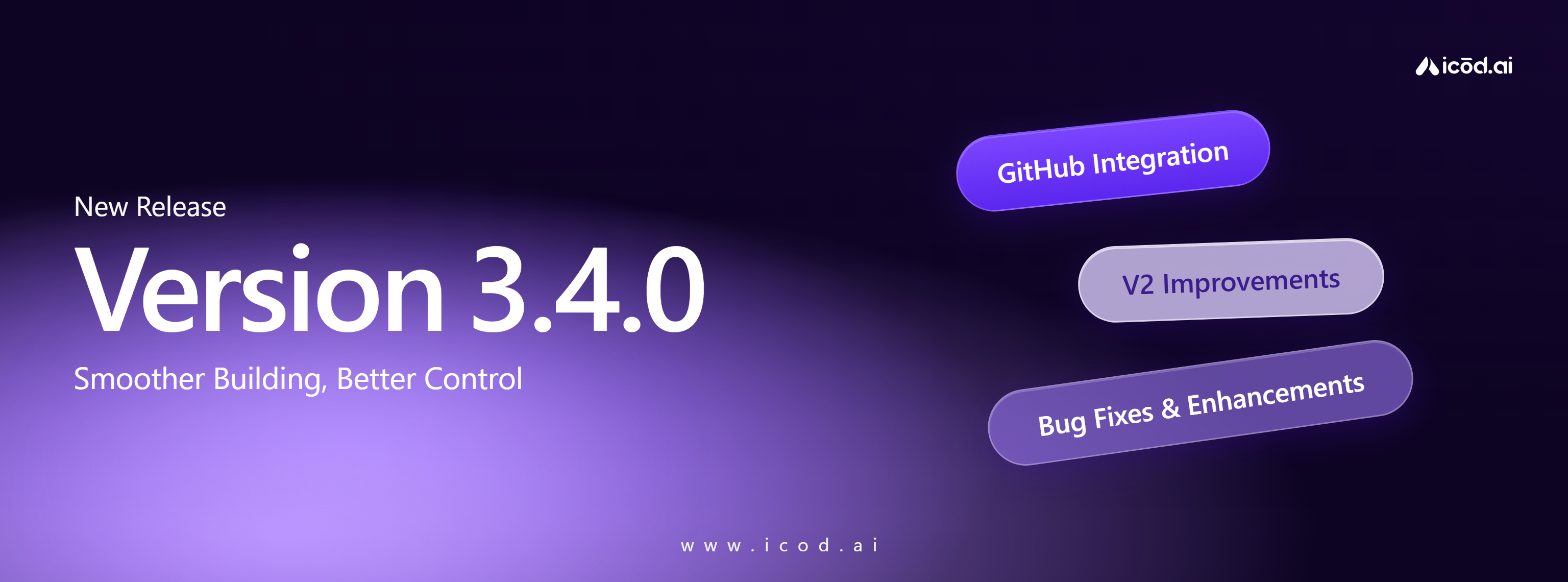
Smoother Building, Better Control
GitHub integration, V2 Agent improvements, and a round of bug fixes for a more polished and reliable building experience.
Overview
Release 3.4.0 focuses on stability, control, and workflow improvements. GitHub can now be connected directly to each project for a smoother development flow. The V2 Agent receives targeted fixes for editing reliability, and a range of UI and workflow edge cases have been resolved for a more polished platform experience.
Key Points
- GitHub integration — connect your repository directly for a smoother development workflow
- Manage repositories and workflows independently for each project
- V2 Agent editing fixes — smoother, more consistent, and significantly more stable editing flows
- Multiple bug fixes improving stability and performance across the platform
- UI and workflow edge cases cleaned up for a more polished experience
Technical Details
GitHub integration is available at the project level, supporting independent repository and workflow management per project. V2 Agent editing stability improvements address multiple previously identified issues in the edit flow. Platform wide bug fixes and UI refinements reduce edge case failures and improve overall consistency.
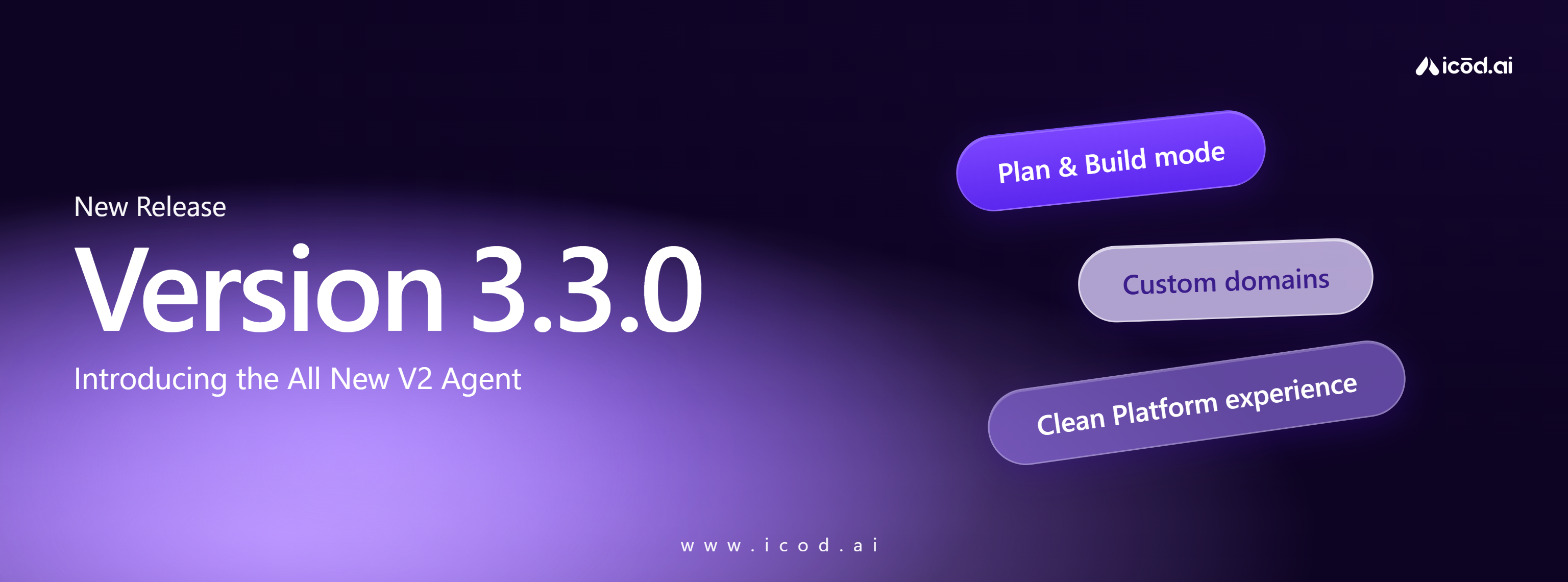
The New Agent Era
Meet the next generation of the Agent — now smarter, faster, and significantly more capable.
Overview
Release 3.3.0 marks a major step forward for the platform. The all new V2 Agent delivers greatly improved generation and editing quality, producing cleaner and more reliable results across every workflow. Alongside V2, we're introducing dedicated Plan and Build modes, Custom Domain Deployments, and a series of platform wide speed and consistency improvements.
Key Points
- All new V2 Agent with significantly improved generation and editing quality (Experimental)
- Plan Mode to organize ideas before execution — Build Mode to turn them into results faster
- Early experimental access to V2, with more integrations and capabilities rolling out over time
- Custom Domain Deployments — deploy and undeploy projects directly to your own domain
- Smoother platform experience with better speed, responsiveness, and consistency
- Multiple bug fixes across Agent workflows and deployment edge cases
Technical Details
V2 Agent is available in early experimental access with ongoing capability expansion. Custom domain deployment and undeployment are managed directly from the platform. Core workflow improvements deliver better performance and reliability across all builder interactions.
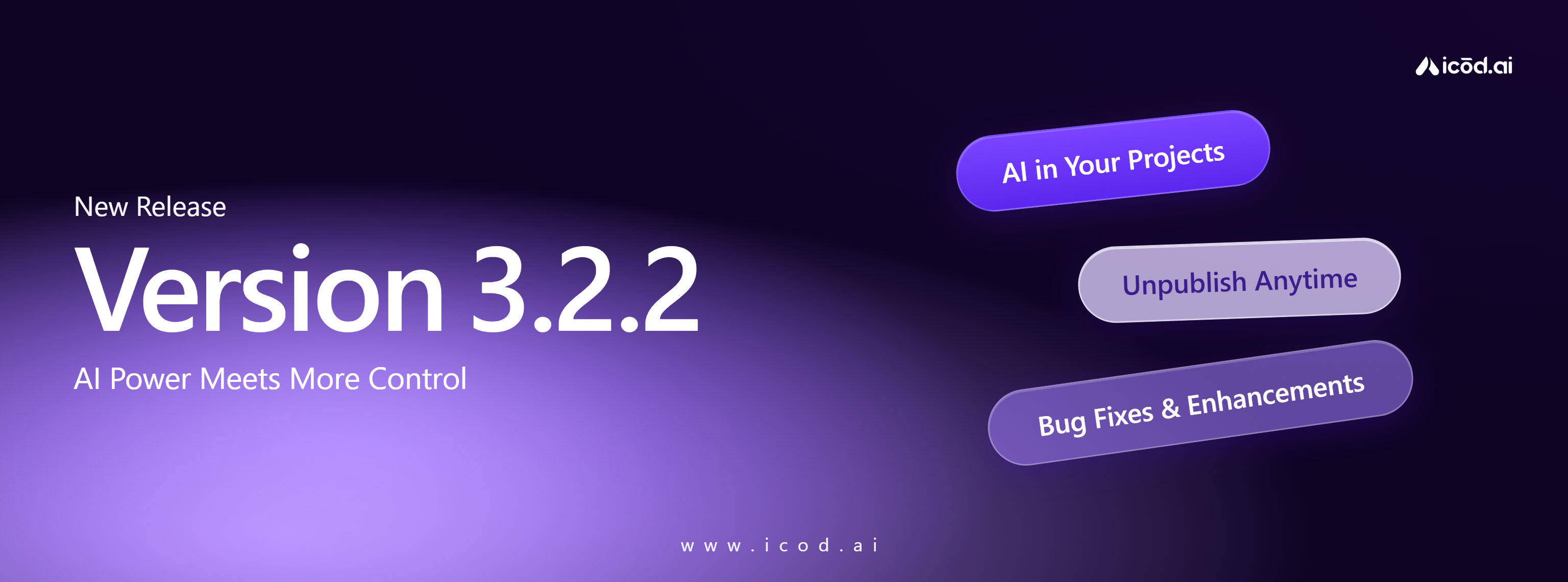
AI Power Meets More Control
Your projects just got smarter — plug in your own API keys and add AI capabilities directly into your apps.
Overview
Release 3.2.2 brings two significant updates. AI Integration in Generated Projects lets you inject your own API keys and build intelligent features — including chatbots — directly inside your generated apps. Unpublish Projects gives you complete control over what stays live, accessible right from the deploy screen or project card.
Key Points
- Plug in your own API keys and add AI capabilities to any generated project
- Build chatbots and intelligent features with significantly less friction
- Unpublish projects directly from the deploy screen or the project card
- Full control over what stays live and what gets taken down, at any time
- Bug fixes, stability improvements, and reduced friction across core workflows
Technical Details
AI integrations support custom API key injection into generated project environments. Unpublish functionality is accessible from both the deploy screen and the project card with immediate effect on the project's live status.
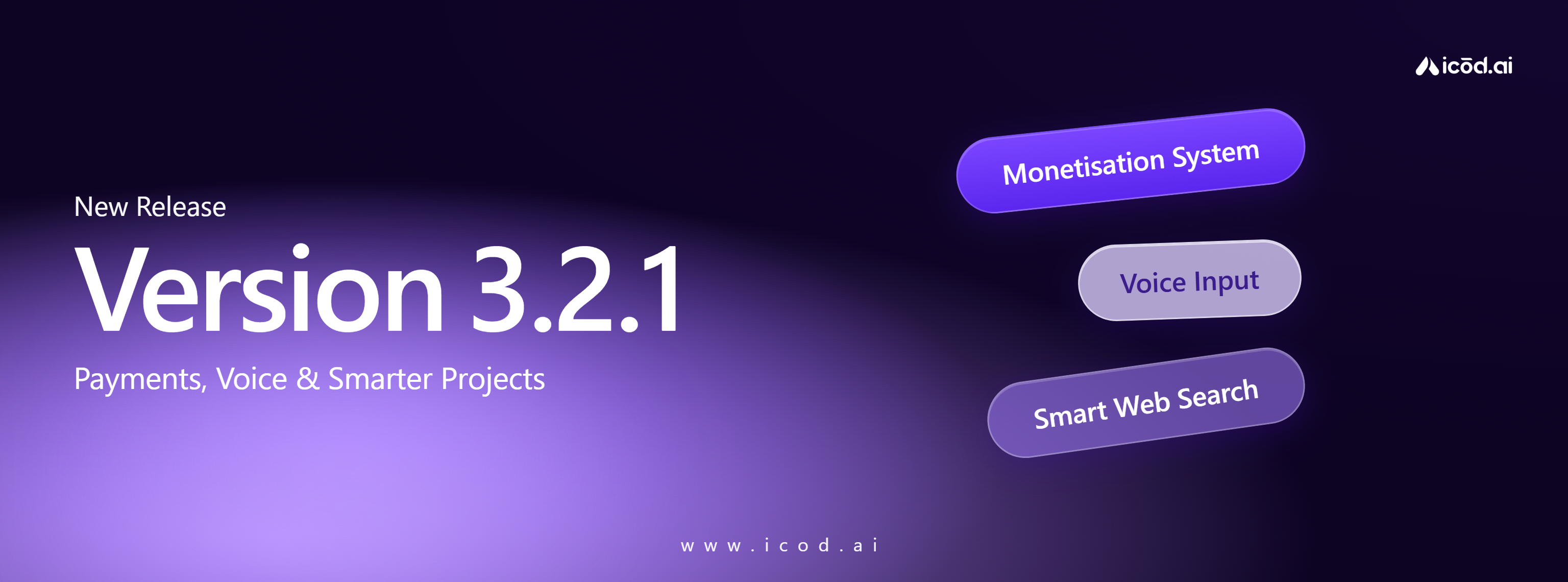
Payments, Voice & Smarter Projects
A full monetisation system, voice-powered prompts, and AI-driven web search — your projects just got significantly more capable.
Overview
Release 3.2.1 introduces the full monetisation system, bringing monthly and yearly subscriptions, token management, and a transparent payment flow. Generated projects now support Stripe recurring payments. Voice input lets you speak prompts directly, and a new web search capability automatically pulls real-world data into your generated project when needed.
Key Points
- Full monetisation system live — monthly/yearly subscriptions and token management
- Subscriptions and token usage fully integrated with a seamless purchase experience
- Stripe recurring payments now supported in generated projects
- Voice input for prompts — speak your ideas and generate projects faster
- AI automatically fetches real-world data when your prompt requires up-to-date information
- Multiple bug fixes for improved stability and performance across the platform
Technical Details
Monetisation covers monthly/yearly subscription plans and token purchase flows. Stripe integration enables recurring payments inside generated project environments. Voice input is available at the prompt level. Web search is triggered automatically when the AI detects that a prompt requires current or real-world information, with results integrated directly into the generated output.
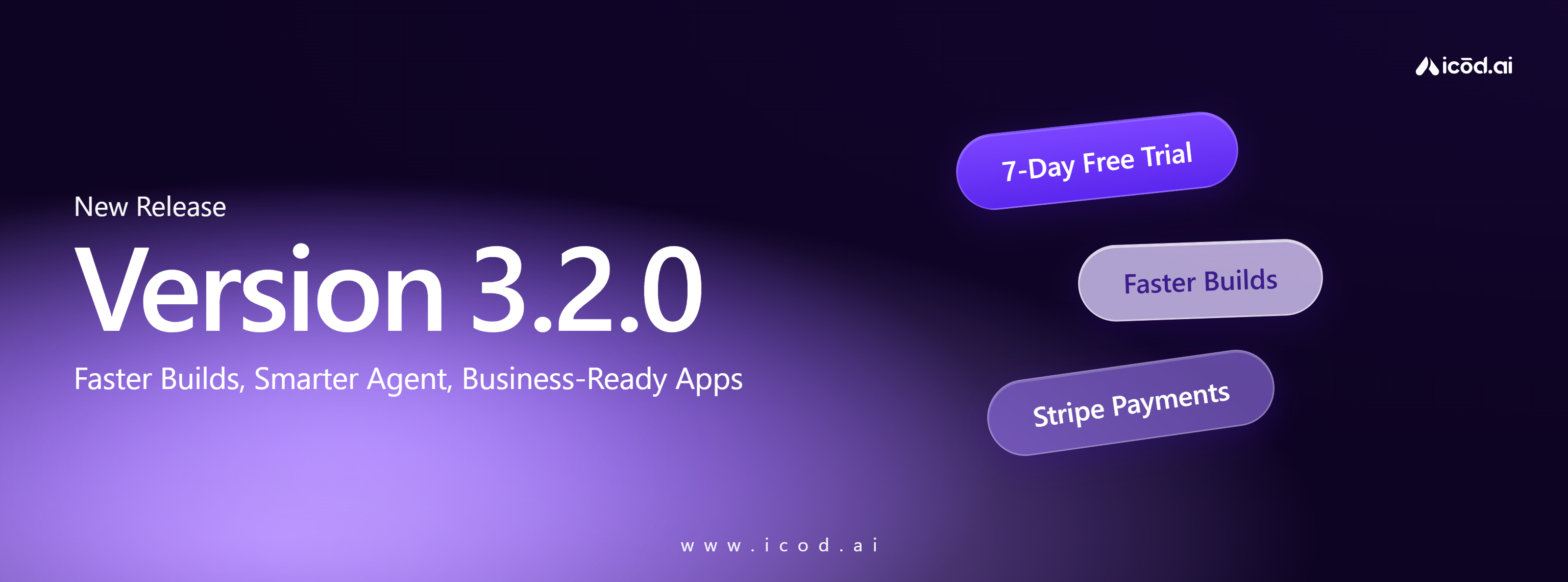
Faster Builds, Smarter Agent, Business-Ready Apps
This release focuses on speed and clarity — making the Agent smarter, faster, and easier to work with.
Overview
Release 3.2.0 delivers a major step forward in build speed, Agent intelligence, and business readiness. Template-based generation is ~35% faster, the Agent now highlights every change it makes during edits, and generated apps ship with Stripe payment support out of the box. A new 7-day free trial lowers the barrier to getting started, and a validation layer ensures all generated changes are reliable before being applied.
Key Points
- 7-day free trial with full access from day one — payment charged only after the trial ends
- Template-based generation ~35% faster (from ~15–17 min down to ~10–11 min)
- Stripe payment integration in generated apps — one-time payments and subscriptions supported
- Agent clearly highlights every change made during edits for better transparency
- Apply & Edit Validation Layer validates all generated changes before they are applied
- Faster responses and improved stability across the platform
Technical Details
Generation time reduced ~35% through template-based build improvements, better UI/UX patterns, and smarter image placement. Stripe integration supports both one-time payments and recurring subscriptions in generated project environments. The Apply & Edit Validation Layer validates changes before application, reducing errors and improving first-time result quality. The new monetisation flow includes a 7-day free trial with no access interruption at trial end.